
Speak on camera with total peace of mind.
Read near the lens and record at your own pace. Telepry follows your voice and waits when you pause.

Join the Android email waitlist for a launch update.
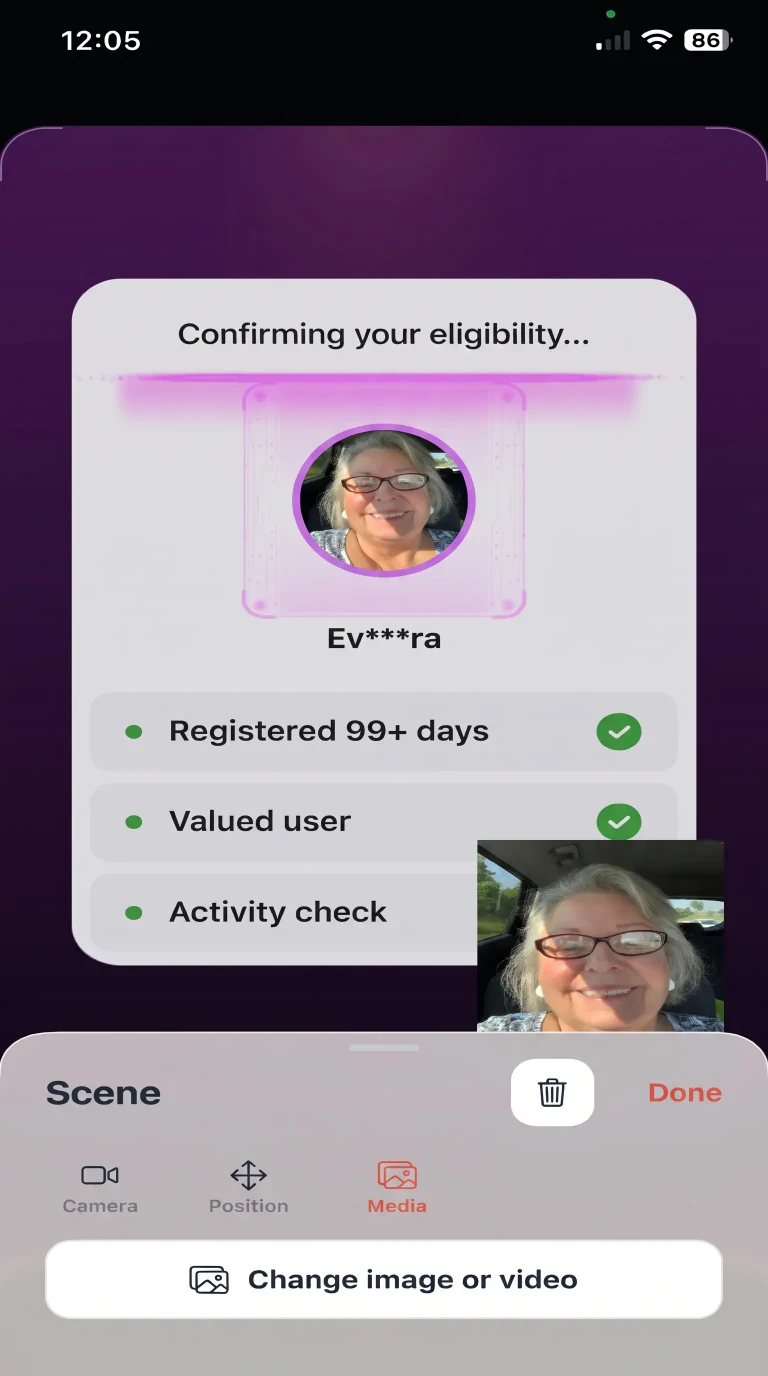 Use the front and rear cameras together on supported devices.
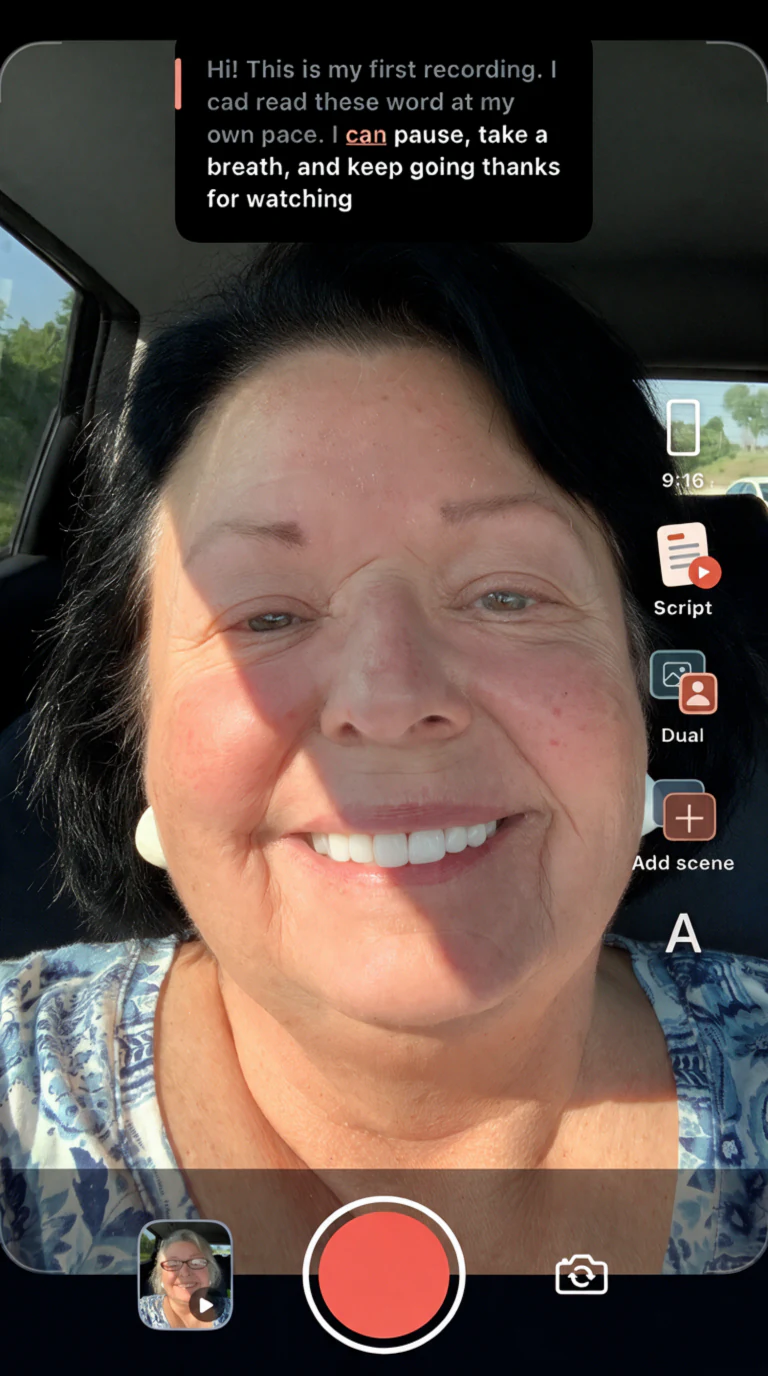
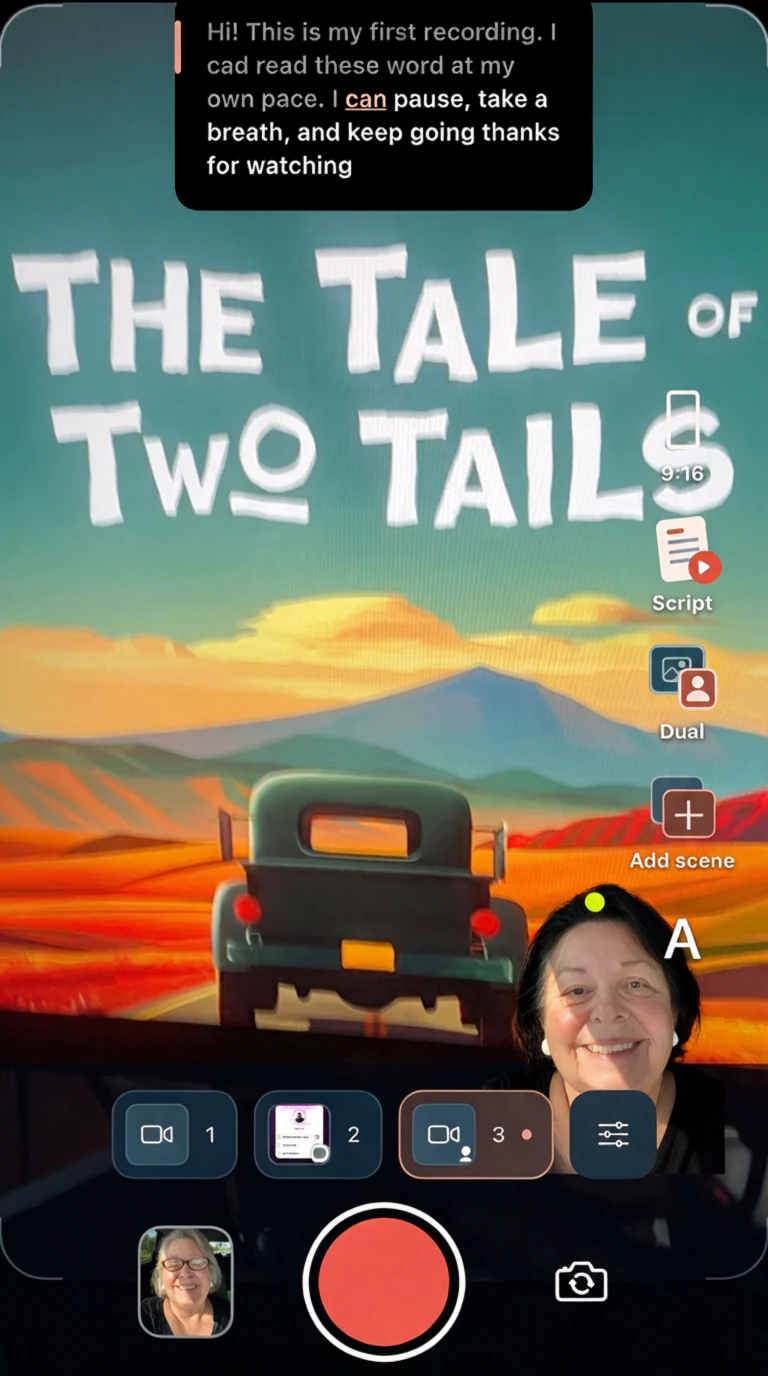 Set up different shots and switch between them while you record.
Voice tracking
Keep your place as you speak.
A frozen prompt or a sudden jump can throw off a take. To help prevent jumps, Telepry’s Voice mode looks for the words you say near your current place in the script.
-
Speak at your own pace
Slow down, speed up, or take a breath. The prompt moves as it recognizes your words and waits when you pause.
-
Get back to the right word
If the prompt loses your place, tap the word you want to read next. If Voice mode stops listening, open Prompt setup and choose Retry voice following while the recording continues.
-
Set a steady speed
If speech is hard to recognize, choose Timer mode before your next take. Set a pace in words per minute and the script scrolls at that speed.
A few quick answers.
Is the app free?
Yes. You can use the teleprompter, follow your voice in the automatically selected speech language, and record as often as you like. You can also try each premium feature once a day for free.
Is Telepry Lifetime a one-time purchase?
Yes. Pay once to unlock Lifetime access to premium features, with no subscription or recurring charges.
Which features require a paid plan?
A one-time Lifetime purchase lets you use premium tools anytime. These include noise reduction, front-camera background removal in picture-in-picture, more than two scenes per recording, spoken-word animations, animated preview borders, and choosing a different speech language for voice following and dictation.
How long is the free trial?
Free users can try each premium feature once a day. If you win the 3-day pass on the offer wheel, you get 72 hours of access to all premium tools. The pass ends automatically without a charge.
Can I save or download recorded videos?
Yes. Telepry saves recordings on your device. Open a recording and tap Share to save an MP4 copy to Photos or Files, or share it with another app.
Which devices can I use?
Telepry is made for iPhone and iPad. Features like dual camera and recording quality depend on the device.
Which languages can the prompt follow?
Telepry follows speech in English, Spanish, and Portuguese. You can also use a timer to set the pace.
How do I get Telepry on Android?
and we’ll email you the download link when the app is available.